


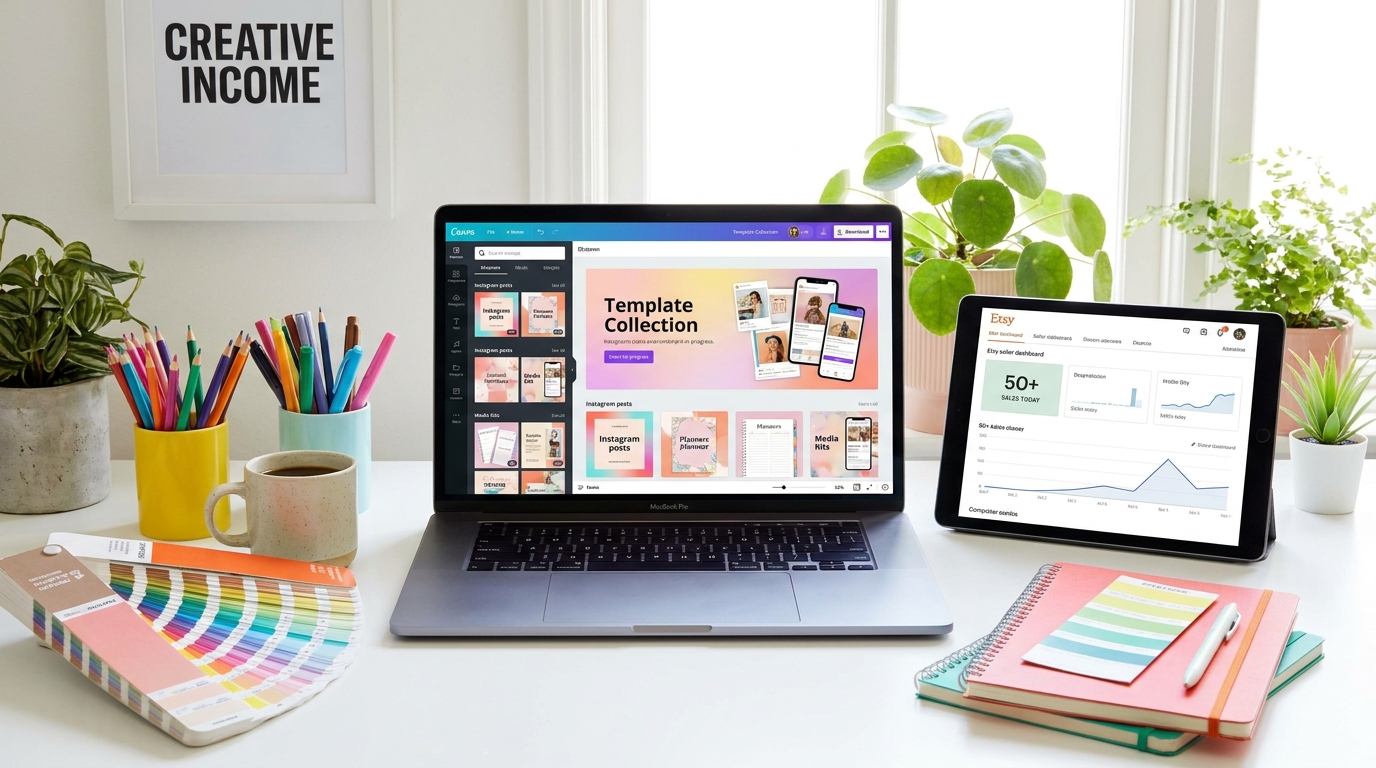
Make money with canva · BestStartBiz.com
How to Make Money with Canva: 7 Ways to Earn from Your Designs
Canva has transformed who can create professional-quality designs — and with that transformation has come a growing market for Canva-based products and services. You no longer need a graphic design degree or expensive software to earn money from design. You need Canva (free), a clear niche, and one of the seven income strategies in this guide.
Some of these are active income streams (you trade time for money). Others are passive (you create once and earn repeatedly). Several can be combined for maximum earnings. All of them are accessible to beginners using Canva’s free tier.
No. Every income stream in this guide can be started and scaled using Canva’s free tier. Canva Pro ($12.99/month) adds premium elements, additional templates, brand kits, and the Background Remover — useful tools that can improve your output, but are not required to start earning.
7 Ways to Make Money with Canva
This is the highest-volume, most proven way to make money with Canva. You design editable templates — Instagram posts, Pinterest pins, media kits, pitch decks, resume templates, planners, social media bundles — and sell them on Etsy as shareable template links. Buyers click the link, get their own editable copy in Canva, and customize it without any design skills.
Etsy has a massive built-in audience actively searching for Canva templates. New sellers with focused niches (e.g., “Canva Instagram templates for coaches” or “Canva resume templates for nurses”) consistently generate their first sales within 2–4 weeks of launching a well-photographed listing.
- Best-selling categories in 2026: Social media bundles (Instagram + Pinterest + Facebook), media kits for influencers, pitch decks for small businesses, planner and organizer templates, resume templates for specific industries
- How to price: individual templates $5–$15, bundles of 10–30 templates $15–$45
- Key to success: a highly specific niche audience (e.g., “real estate agents” rather than “businesses”) and 8+ professional listing images that show the template in context
- Time to first sale: 2–6 weeks with active Pinterest promotion and correct Etsy SEO
Printables — items buyers download and print at home — are one of the simplest Canva products to create and sell. Budget trackers, habit trackers, weekly planners, meal-planning sheets, kids’ activity sheets, home-organizer bundles, and wall art prints all sell consistently year-round, with strong seasonal spikes (January planners, back-to-school, holiday gift tags).
Unlike templates, printables are sold as locked PDF files — buyers download and print them, not edit them. This makes printables slightly lower-effort to create (no need to set up editable Canva links) and completely immune to buyers sharing or reselling them.
- Best-selling printable categories: budget trackers and financial planners, habit trackers, weekly and monthly planners, kids’ activity and learning worksheets, home organization checklists
- How to price: $3–$12 for individual printables, $15–$35 for bundles
- Platform: Etsy is the dominant marketplace for printables, where most buyer searches originate
Many small businesses, coaches, and online entrepreneurs need professional Canva designs but lack the time or skill to create them. As a Canva designer, you can offer done-for-you services such as social media content creation, brand identity packages (logo, color palette, fonts, templates), presentation design, email newsletter templates, and lead magnet design.
Canva freelancing is active income — you trade time for money — but it generates cash faster than passive strategies. It’s also an excellent way to fund the time needed to build your passive income streams. Many Canva freelancers charge $200 to $500 for a social media template pack or $500 to $2,000 for a complete brand kit.
- Where to find clients: Fiverr and Upwork for your first clients, then transition to referrals and direct outreach
- Packages to offer: Social media template bundles, brand identity kits, presentation design, email sequence graphics
- Key advantage over passive: generates income from week one — no need to build traffic or an audience first
If you’ve developed genuine proficiency in Canva, other people want to learn from you. There’s consistent demand for beginner-friendly Canva tutorials — particularly from small business owners, coaches, authors, and solopreneurs who need to create their own content but don’t want to hire a designer.
A mini course covering Canva basics for a specific audience (e.g., “Canva for Coaches: Create Professional Brand Content Without a Designer”) can be recorded in a single afternoon using Loom (free screen recorder) and sold through Gumroad or Teachable for $27 to $97. Promote it through your blog, email list, and Pinterest.
- Course formats: 5–10 short video lessons (Loom), a live workshop via Zoom, or a self-paced written course with screenshots
- Platforms: Gumroad ($0 to start), Teachable (free plan), or as a paid workshop via Zoom
- Niche it down: “Canva for Etsy Sellers” converts better than “Canva for Everyone”
PDF guides, workbooks, ebooks, and checklists designed in Canva can be sold as standalone digital products or used as lead magnets to build your email list. A well-designed 20-page guide on a topic your audience cares about — priced at $9 to $29 — is one of the fastest digital products to create and easiest to explain to potential buyers.
Canva’s document templates make creating a professional-looking PDF guide accessible to anyone. Add your content, apply consistent styling (a single color palette and font pair goes a long way), export as PDF Standard, and you have a sellable product.
- Best topics: solve a specific, named problem for a specific audience — “The Etsy Pricing Guide for Digital Product Sellers” or “The Freelancer’s Rate Calculator Workbook”
- Where to sell: your own website (Gumroad checkout), Etsy, or as part of a product bundle
Many small businesses know they need a consistent social media presence but don’t have time or design skills to maintain one. As a social media manager using Canva, you can offer monthly content creation packages — designing 15–30 posts per month for a client in their brand colors and style using Canva templates.
Social media management is recurring income — clients pay monthly, giving you predictable revenue. It’s also highly scalable with Canva’s Brand Kit (Pro), which stores each client’s colors, fonts, and logos for one-click application to new designs.
- Package pricing: $300–$500/month for basic (15 posts), $700–$1,500/month for full management including captions and scheduling
- Target clients: local small businesses, coaches, consultants, and e-commerce brands who are too busy to manage content themselves
- Where to find clients: local business networking, LinkedIn, direct outreach to businesses with inactive social accounts
Canva runs an affiliate program paying up to $36 for each new Canva Pro subscriber you refer — one of the highest per-sale commissions for a free-to-upgrade tool. If you write content about Canva (tutorials, reviews, “best tools for designers”), including your Canva affiliate link, it is a natural addition that can generate consistent passive income from your existing content.
Since Canva has a genuinely excellent free tier, recommending it feels authentic — you’re pointing readers toward something they can try without any commitment. The high free-to-paid conversion rate (many free users upgrade after experiencing the limitations) means your referrals are likely to convert to paid plans over time.
- How to join: canva.com/affiliates — apply through Impact network, approval within 1–3 days
- Cookie duration: 30 days — if someone clicks your link and upgrades within 30 days, you earn the commission
- Best content for this: “Canva vs [alternative]” comparisons, “best design tools for [audience]” posts, Canva tutorial content
Which of These 7 Methods Should You Start With?
| Your situation | Best starting method | Why |
|---|---|---|
| I need income this month | Canva freelancing (Way 3) or social media management (Way 6) | Active income generates money from week one without needing traffic or an audience |
| I want passive income | Canva templates on Etsy (Way 1) or printables (Way 2) | Create once, sell repeatedly — Etsy brings buyers to you without your own audience |
| I already have a blog or audience | Canva affiliate program (Way 7) + PDF guides (Way 5) | Lowest additional effort when you already have traffic to monetize |
| I have teaching skills | Canva course or workshop (Way 4) | Highest per-unit income for your design knowledge |
| I want to combine active and passive | Freelancing (Way 3) while building an Etsy shop (Way 1) | Use freelance income to fund the time needed to build passive product assets |
Canva creators who combine Etsy template sales, an affiliate link, and occasional freelance projects consistently generate $1,000 to $3,000/month within 12 months of consistent effort. The top Canva template sellers on Etsy — with focused niches, professional listings, and active Pinterest presence — generate $5,000 to $15,000/month from their shops alone. These results take time, but the path is clear, and the barrier to entry is low.
→ Related: How to sell digital products on Etsy: the complete beginner’s guide · How to create a digital product to sell online · How to price your first digital product (without undercharging) · Passive income with digital products: a beginner’s guide
🚀 Launch Your First Canva Product in 30 Days
Download our free 30-Day Product Launch Roadmap — a day-by-day plan for creating and launching your first Canva template or digital product, from idea to first sale. No design degree, no audience, and no budget required.
Download the Free Roadmap →